
If you are managing 10 or more brand deals per month, content creation is not the bottleneck. Whitelisting is. Every brand wants to run your content as their own ad.
Each platform has a different mechanism, a different authorization flow, and a different expiry timeline. Keeping it all straight from email threads and spreadsheets breaks down fast.
In March 2026, YouTube rebranded BrandConnect into YouTube Creator Partnerships, introducing a Gemini-powered discovery system and the new Creator Partnerships Boost feature. This change adds a third platform-specific whitelisting workflow to the two you already manage on TikTok and Meta. Here is how each one works and what data you need to log for each in a single tracking system.
TikTok Spark Ads: Authorization Codes That Expire Silently
TikTok uses Spark Ads to let brands turn your organic post into a paid ad that runs from their ad account. You generate a Spark Ads authorization code from your TikTok account settings and share it with the brand. The brand enters that code into TikTok Ads Manager to link your post to their campaign.
Spark Ad authorizations do not expire when the deal ends. They stay active until someone manually revokes them. Many creators discover months later that a past brand partner is still running ads against their content. You need to track the authorization date, the deal end date, and actively revoke codes from your TikTok settings when a campaign finishes.
We covered this specific pain point in detail in a previous post about The Spark Ads Code Problem Every UGC Creator Hits Around Deal 10. That post walks through the TikTok settings screens and explains the manual revocation process step by step.
Meta Partnership Ads: Professional Accounts and Tags
Meta calls its whitelisting system Partnership Ads (formerly branded content ads). The brand tags your Instagram or Facebook account in their ad, and your content appears as a sponsored post under their business account. You must have a professional account (Creator or Business) on Instagram to be eligible for tagging.
The setup requires you to approve the brand’s tagging request in your settings. The Meta Business Help Center outlines the eligibility requirements, including the need for a professional account and the creator’s permission to let the brand boost the content. Unlike TikTok, revoking access on Meta is straightforward, but the initial setup requires coordination between your account and the brand’s ad account.
YouTube Creator Partnerships: The Newest Player
YouTube rebranded BrandConnect to YouTube Creator Partnerships in March 2026. The new system uses Gemini to help brands discover creators. According to YouTube’s announcement, the platform now provides access to more than 3 million creators in the YouTube Partner Program. The same report states that 79% of Gen Z viewers say YouTube creators form communities that give them a sense of belonging, and 78% of viewers say YouTube has the most trusted creators for product recommendations.
The Creator Partnerships Boost feature allows brands to promote creator-led videos as ads. YouTube reports that advertisers who promoted creator-led videos on YouTube Shorts saw an average 30% increase in conversion lift. This makes YouTube a high-value whitelisting channel, but it also means you need to understand a new set of authorization and reporting tools specific to YouTube Studio.
What to Track in a Unified System
These three platforms share some common tracking fields but have platform-specific differences. Here are the fields you need to log for every whitelisted deal, organized by platform.
Fields for Every Platform
- Brand name and contact email
- Campaign name and deal value
- Content ID or post URL
- Authorization date and expiry or end-of-deal date
- Revocation status (active or revoked)
Platform-Specific Fields
TikTok Spark Ads: Authorization code, the date you generated the code, the date you revoked it, and the post URL. TikTok codes never auto-expire, so add a manual reminder to revoke after the deal end date.
Meta Partnership Ads: The brand’s business page ID, your approval status (approved or pending), and the boosted post permalink. Meta requires your professional account to be set up before any deal starts, so date your account conversion as a lead-time field.
YouTube Creator Partnerships: The YouTube Creator Partnerships API connection status, the Boost campaign ID, and the video link. Track which videos were promoted through Creator Partnerships Boost separately from organic brand mentions so you can measure the conversion lift data properly.
Why a Tracking System Changes Your Pricing Leverage
When you log every whitelisting authorization in one place, you can show brands exactly how your content performs across platforms. A unified log turns your whitelisting activity into a performance portfolio. For a deeper look at the metrics that prove your ROI, read our guide on Track Your Whitelisted Content Performance: The 6 Metrics That Prove Your ROI and Justify Higher Rates.
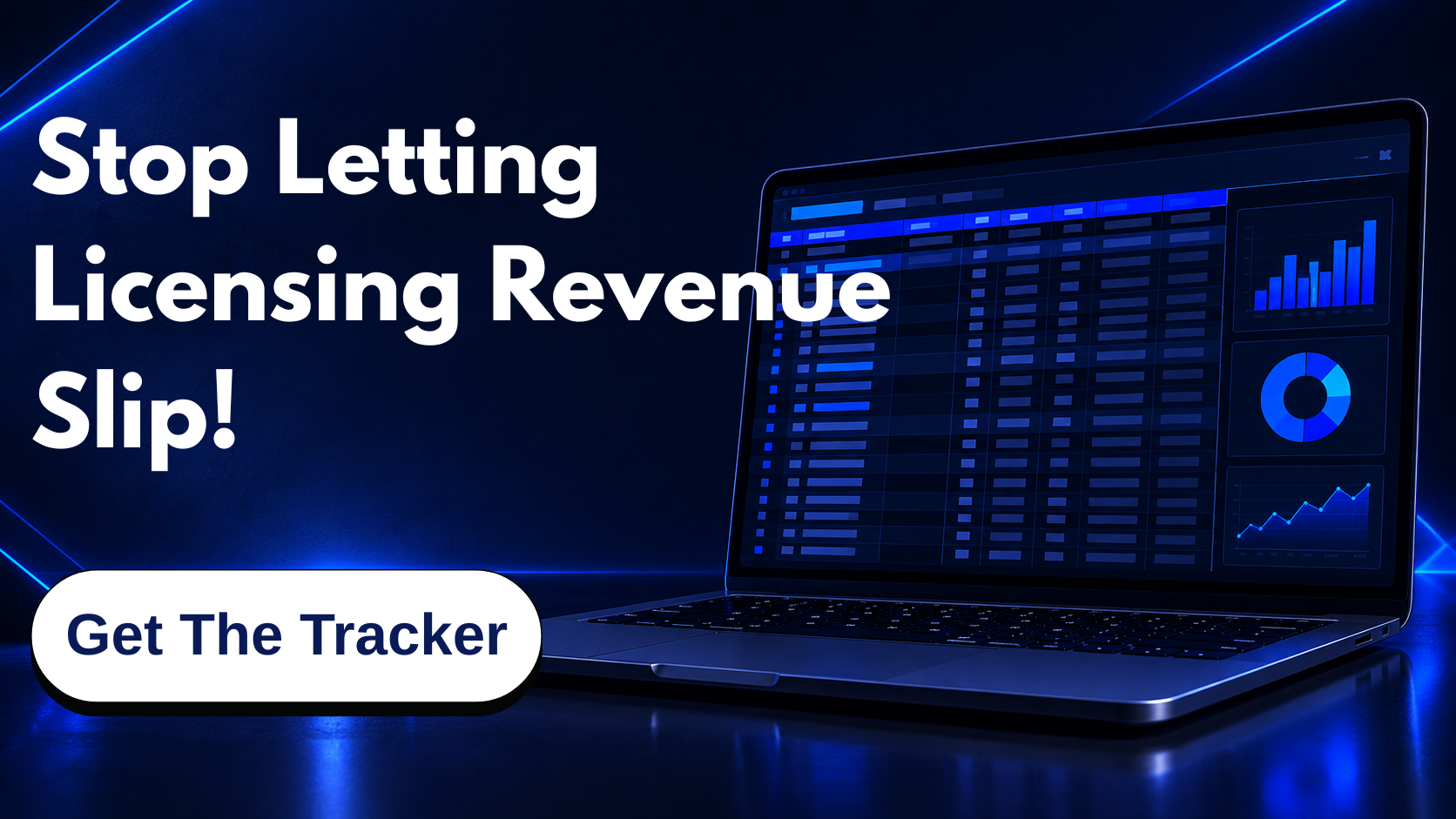
Start with a simple spreadsheet that includes the fields above. As you scale past 10 deals, that single document will save you from forgotten authorizations, surprised clients, and lost revenue from whitelisting requests you never processed.